Contents Menu Expand Light mode Dark mode Auto light/dark, in light mode Auto light/dark, in dark mode Skip to content
charted
Logo
charted

Getting Started

  • Quick Start
  • Getting Started with Charted

Chart Types

  • Gallery
  • Column Charts
  • Bar Charts
  • Line Charts
  • Scatter Charts
  • Pie Charts
  • Radar Charts
  • Area Charts
  • Bubble Charts
  • Combo Charts
  • Heatmaps
  • Gantt Charts
  • Histograms
  • Polar Area Charts
  • Box Plots

Guides

  • Theming Guide
  • Configuration Guide
  • Interactivity
  • CLI Guide

API Reference

  • Charts API
  • Themes API

Resources

  • Feature parity roadmap
  • CHANGELOG
Back to top
View this page

Gallery

A one-stop tour of every chart type Charted can render. Each entry shows the code that produces it, the rendered SVG, and a one-line note on when to reach for it. For the full parameter list of any type, follow the link in its heading through to the dedicated chart page.

Themes at a Glance

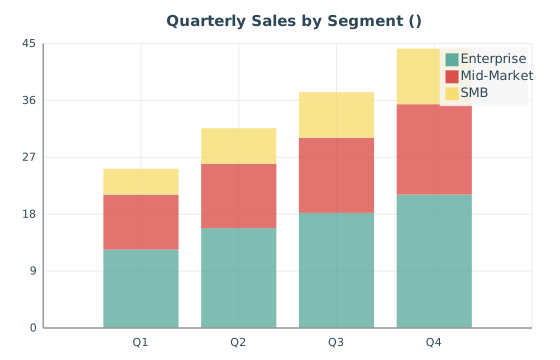
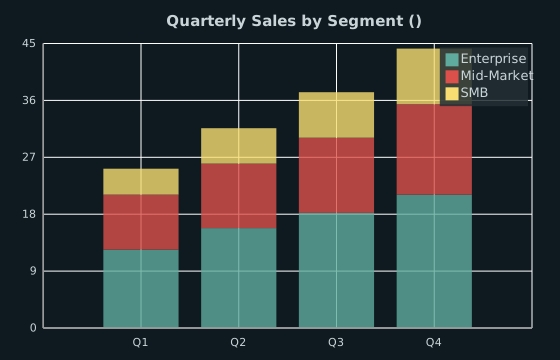
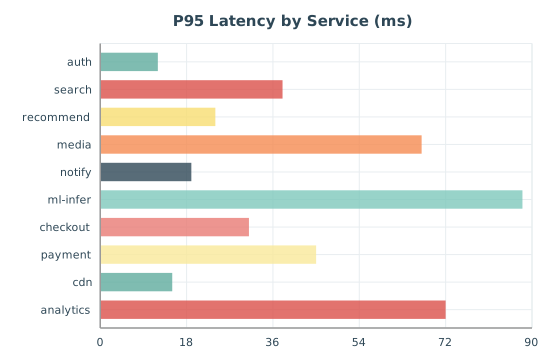
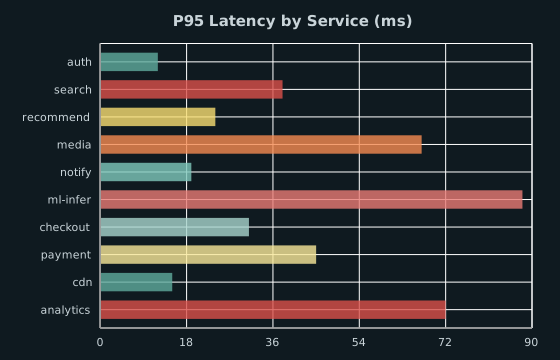
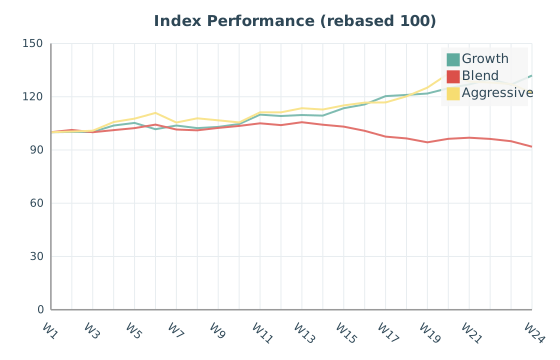
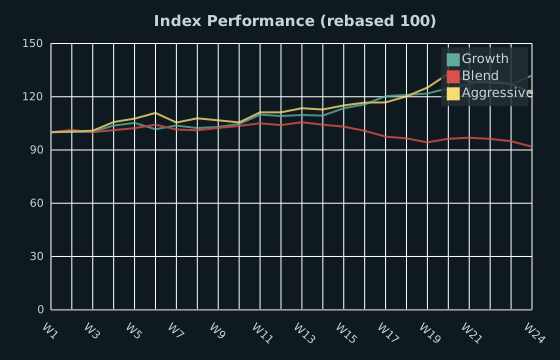
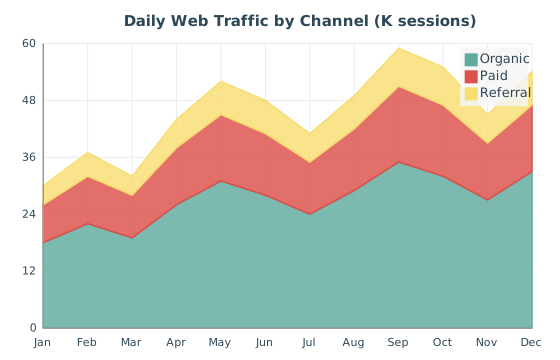
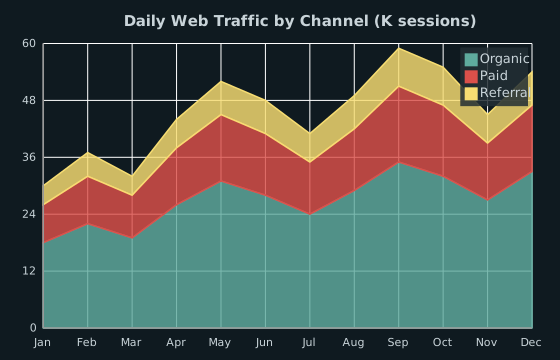
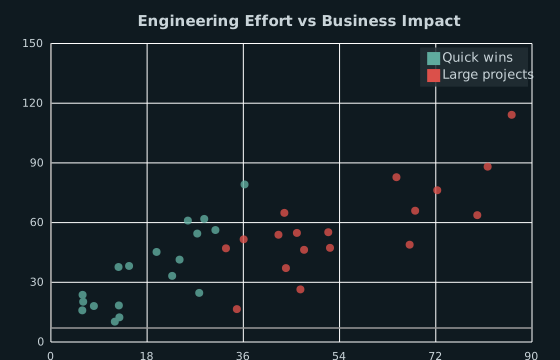
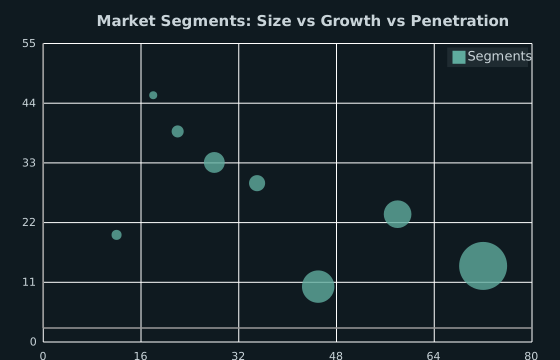
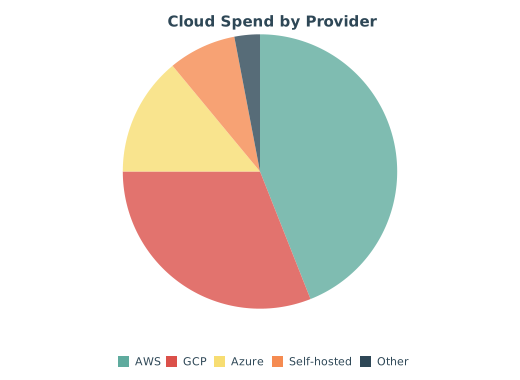
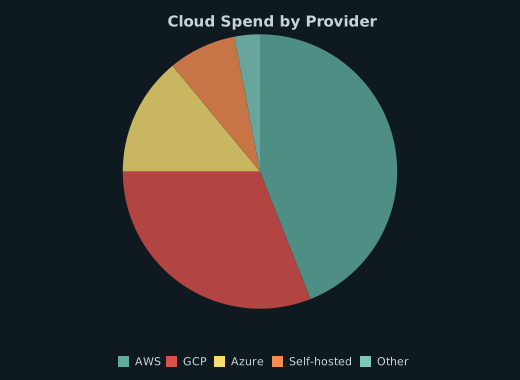
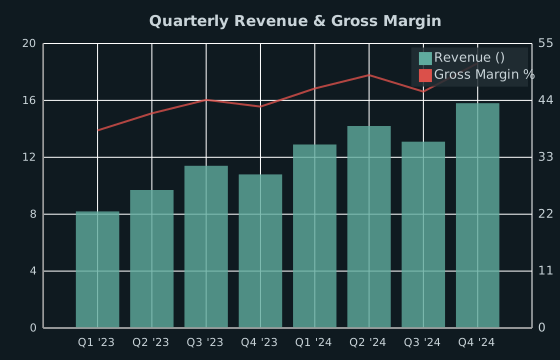
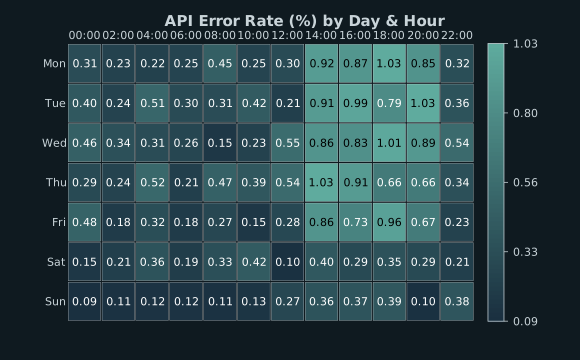
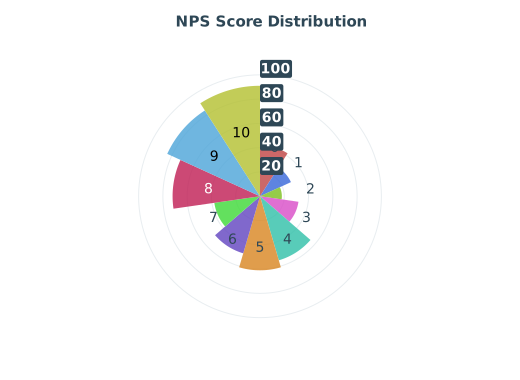
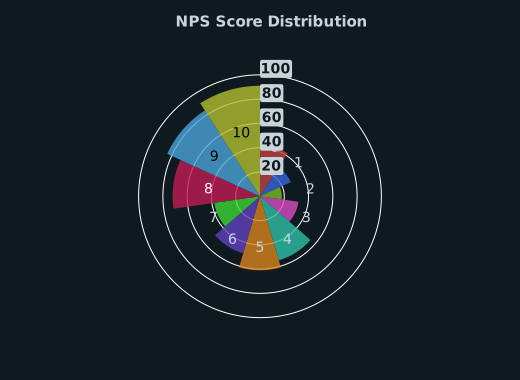
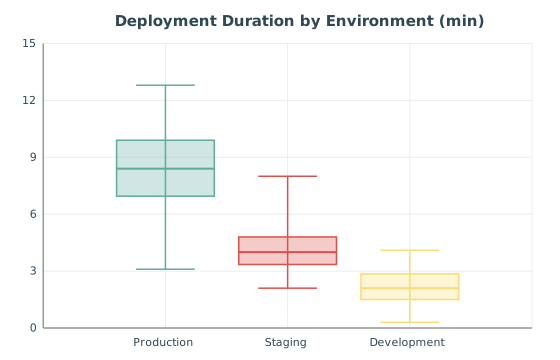
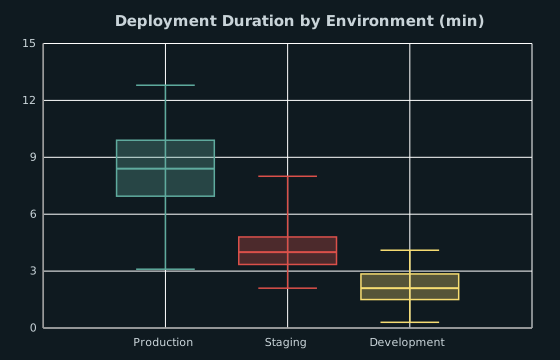
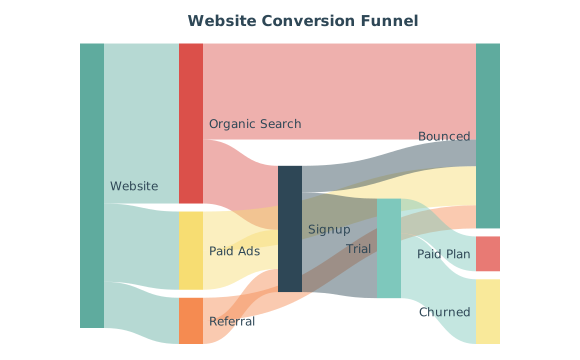
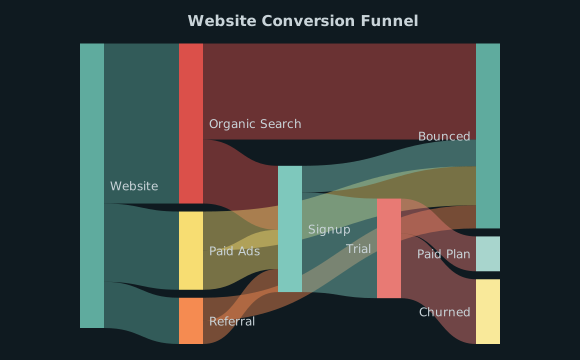
The same chart rendered under each built-in theme. Pass theme="light", theme="dark", or theme="high-contrast" to any chart.

Light theme Dark theme High-contrast theme
from charted import ColumnChart

chart = ColumnChart(
    data=[120, 180, 210, 150],
    labels=["Q1", "Q2", "Q3", "Q4"],
    title="Sales by Quarter",
    theme="dark",  # or "light", "high-contrast"
)
chart.save("themed.svg")

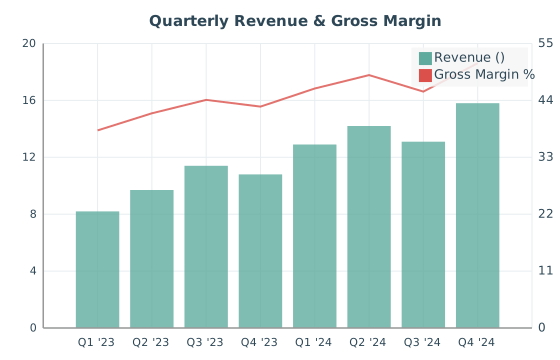
Combo

Combo chart
from charted.charts import ComboChart

chart = ComboChart(
    series=[
        {"data": [120, 180, 150, 210], "type": "bar", "name": "Revenue"},
        {"data": [12, 19, 15, 22], "type": "line", "name": "Margin %"},
    ],
    labels=["Q1", "Q2", "Q3", "Q4"],
    title="Revenue and Margin",
)
chart.save("combo.svg")

Why it matters: shows two metrics on different scales in one frame without flattening either. See Combo Charts.

Bubble

Bubble chart
from charted.charts import BubbleChart

chart = BubbleChart(
    x_data=[1, 2, 3, 4, 5],
    y_data=[10, 25, 15, 30, 20],
    sizes=[5, 30, 12, 45, 18],
    title="Sales by Region",
)
chart.save("bubble.svg")

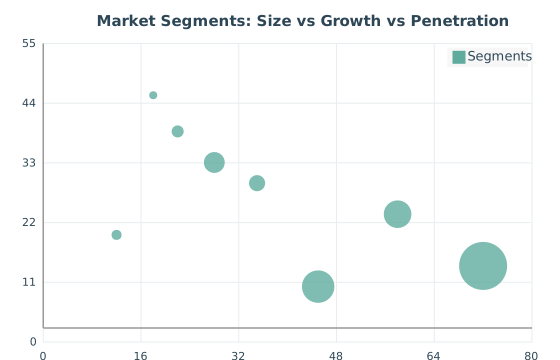
Why it matters: encodes a third dimension as marker size, so magnitude rides alongside position. See Bubble Charts.

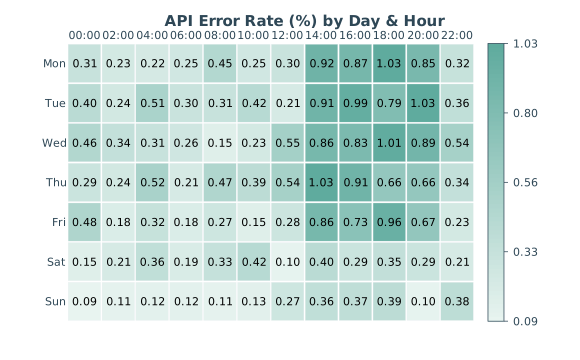
Heatmap

Heatmap chart
from charted.charts import HeatmapChart

chart = HeatmapChart(
    data=[
        [1, 2, 3],
        [4, 5, 6],
        [7, 8, 9],
    ],
    x_labels=["A", "B", "C"],
    y_labels=["Row 1", "Row 2", "Row 3"],
    title="Matrix Values",
)
chart.save("heatmap.svg")

Why it matters: turns a dense matrix into a colour field, making correlations and hotspots pop at a glance. See Heatmaps.

Radar

Radar chart
from charted.charts import RadarChart

chart = RadarChart(
    data=[85, 90, 75, 88, 92],
    labels=["Speed", "Strength", "Defense", "Technique", "Stamina"],
    title="Player Stats",
)
chart.save("radar.svg")

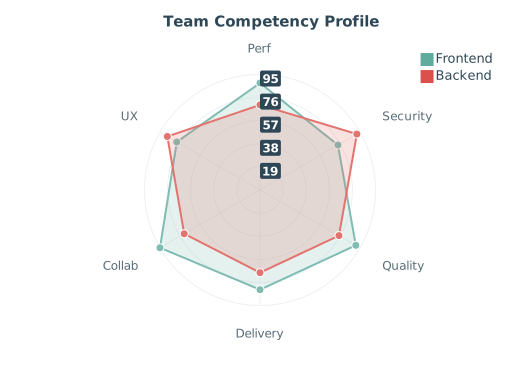
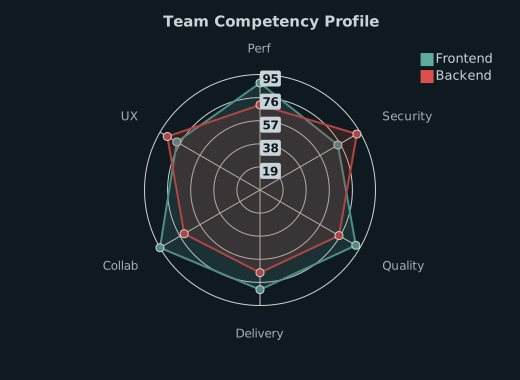
Why it matters: compares many attributes of one or two subjects on a single shape you can read at a glance. See Radar Charts.

Box Plot

Box plot
from charted.charts import BoxPlot

chart = BoxPlot(
    data=[
        [4, 5, 3, 6, 7, 8, 4, 6],
        [2, 4, 3, 5, 7, 8, 9, 3],
        [6, 7, 9, 8, 10, 6, 8, 5],
    ],
    labels=["Control", "Treatment A", "Treatment B"],
    title="Test Scores by Group",
)
chart.save("boxplot.svg")

Why it matters: summarises a distribution’s quartiles and outliers, so you compare spread, not just averages. See Box Plots.

Gantt

Gantt chart
from charted.charts import GanttChart

chart = GanttChart(
    data=[(1, 5), (3, 7), (6, 9)],
    labels=["Design", "Development", "Testing"],
    title="Project Timeline",
)
chart.save("gantt.svg")

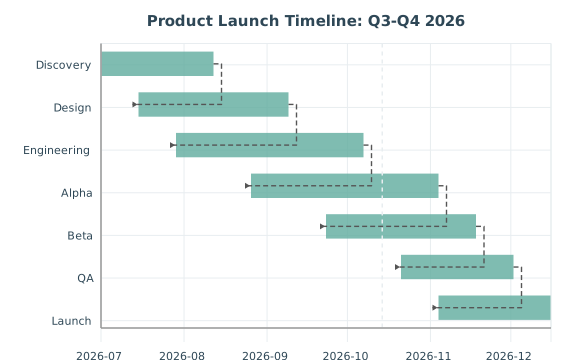
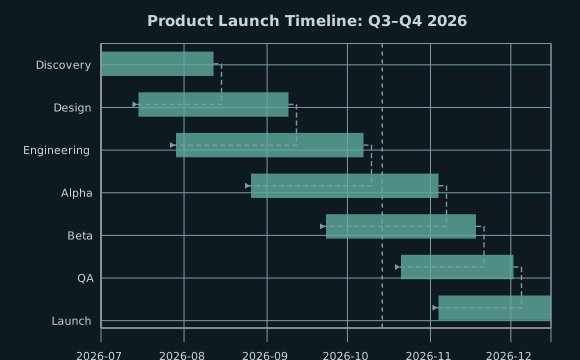
Why it matters: lays out task start and end points on a timeline, so overlap and sequencing are obvious. See Gantt Charts.

Bar

Bar chart
from charted.charts import BarChart

chart = BarChart(
    data=[120, 180, 210, 150],
    labels=["Q1", "Q2", "Q3", "Q4"],
    title="Sales by Quarter",
)
chart.save("bar.svg")

Why it matters: horizontal bars give long category labels room to breathe. See Bar Charts.

Column

Column chart
from charted.charts import ColumnChart

chart = ColumnChart(
    data=[12, 22, 30, 18, 25],
    labels=["Q1", "Q2", "Q3", "Q4", "Q5"],
    title="Monthly Sales",
)
chart.save("column.svg")

Why it matters: vertical bars are the default for time series and categorical comparisons. See Column Charts.

Line

Line chart
from charted.charts import LineChart

chart = LineChart(
    data=[120, 180, 210, 150, 230],
    labels=["Jan", "Feb", "Mar", "Apr", "May"],
    title="Monthly Sales Trend",
)
chart.save("line.svg")

Why it matters: connects points to show trend and direction over a continuous axis. See Line Charts.

Area

Area chart
from charted.charts import AreaChart

chart = AreaChart(
    data=[120, -80, 150, -90, 170],
    labels=["Jan", "Feb", "Mar", "Apr", "May"],
    title="Monthly Trend",
)
chart.save("area.svg")

Why it matters: the filled area under a line emphasises volume and cumulative weight. See Area Charts.

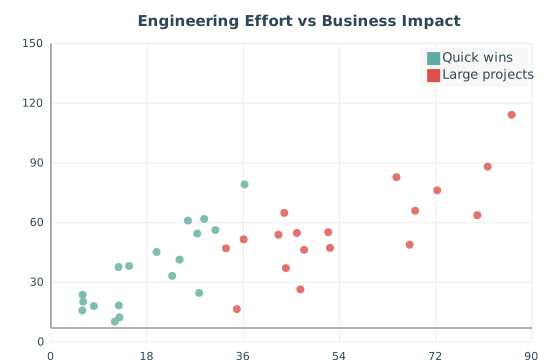
Scatter

Scatter chart
from charted.charts import ScatterChart

chart = ScatterChart(
    data=[[1, 2], [2, 3], [3, 5], [4, 4], [5, 7]],
    labels=["Data Points"],
    title="Correlation Example",
)
chart.save("scatter.svg")

Why it matters: plots raw point pairs to reveal correlation, clustering, and outliers. See Scatter Charts.

Pie and Doughnut

Pie chart
from charted.charts import PieChart

chart = PieChart(
    data=[45, 30, 15, 10],
    labels=["Electronics", "Clothing", "Food", "Other"],
    title="Revenue by Category",
)
chart.save("pie.svg")

Set inner_radius to render the same data as a doughnut:

Doughnut chart
chart = PieChart(
    data=[45, 30, 15, 10],
    labels=["Electronics", "Clothing", "Food", "Other"],
    title="Sales Distribution",
    inner_radius=0.5,  # 50% of outer radius
)
chart.save("pie_doughnut.svg")

Why it matters: shows parts of a whole; the doughnut frees the centre for a label or total. See Pie Charts.

Histogram

Histogram
from charted.charts import Histogram

chart = Histogram(
    data=[1.2, 1.5, 2.1, 2.3, 3.1, 3.5, 4.0, 4.2, 5.1, 5.5],
    bins=5,
    title="Data Distribution",
)
chart.save("histogram.svg")

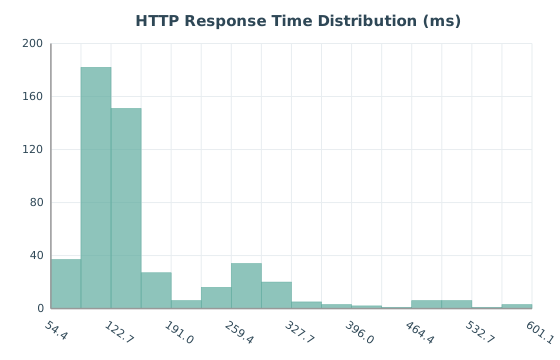
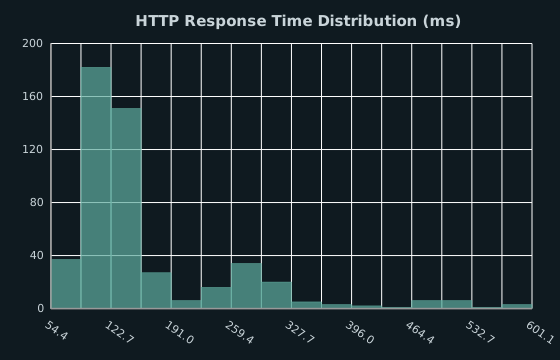
Why it matters: buckets raw values to show the shape of a distribution, with auto-binning when you skip bins. See Histograms.

Polar Area

Polar area chart
from charted.charts import PolarAreaChart

chart = PolarAreaChart(
    data=[10, 20, 30, 15, 25],
    labels=["A", "B", "C", "D", "E"],
    title="Activity by Category",
)
chart.save("polar_area.svg")

Why it matters: equal-angle wedges scaled by value suit cyclical data like weekdays or compass directions. See Polar Area Charts.

Next
Column Charts
Previous
Getting Started with Charted
Copyright © 2024, Andryo Marzuki
Made with Sphinx and @pradyunsg's Furo
On this page
  • Gallery
    • Themes at a Glance
    • Combo
    • Bubble
    • Heatmap
    • Radar
    • Box Plot
    • Gantt
    • Bar
    • Column
    • Line
    • Area
    • Scatter
    • Pie and Doughnut
    • Histogram
    • Polar Area